
- Own product
- iPhone · iPad · Mac · Vision Pro
- 2024
Brain Dump.
Brain Dump: Notes & Writing
Frictionless note-taking
Minimalist note-taking that opens straight to a blank page, with AI to ask about and transform your notes.
- Role
- Design & development · Francesco Leoni
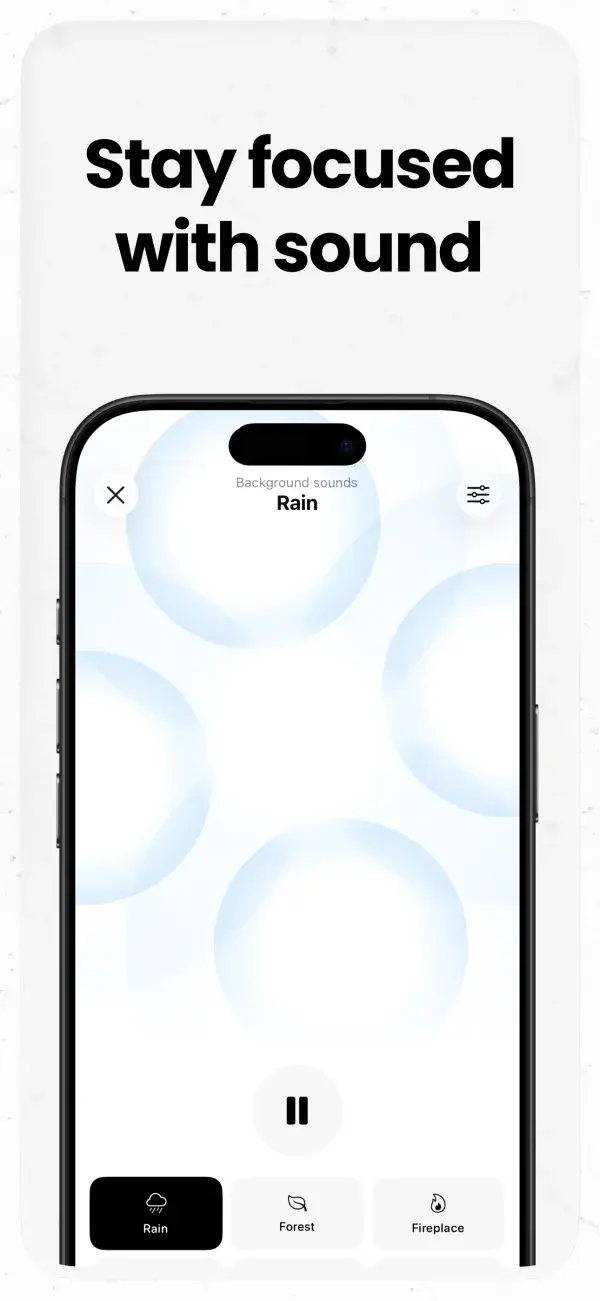
Easy and clear.
Say goodbye to clutter and distractions with BrainDump, a minimalist note-taking app designed to help you capture your ideas instantly, with zero friction. Ask anything about your notes and transform your notes with AI.
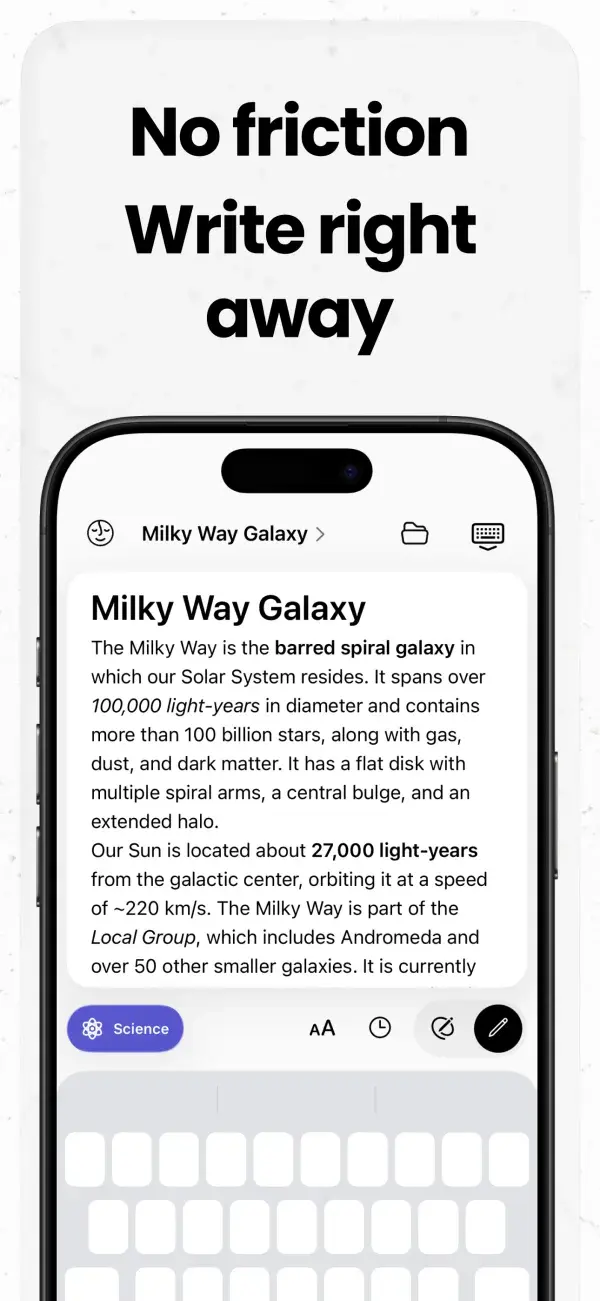
With BrainDump, you'll never lose track of your thoughts. The app opens directly to a blank canvas, allowing you to start writing immediately without dealing with menus, settings, or unnecessary features.
Why it exists
Thoughts disappear fast. I needed a place to dump them the moment they appear, without first deciding where they belong. BrainDump opens straight to a blank page; organizing can wait.
- Released
- April 2023, continuously developed since
- Platforms
- iPhone, iPad, Mac, Vision Pro, web
- Business model
- Free, with AI and Pro subscriptions
Product decisions
Capture first, organize later
No menus or setup between opening the app and writing. Tags, folders and smart search come after.
Many ways in
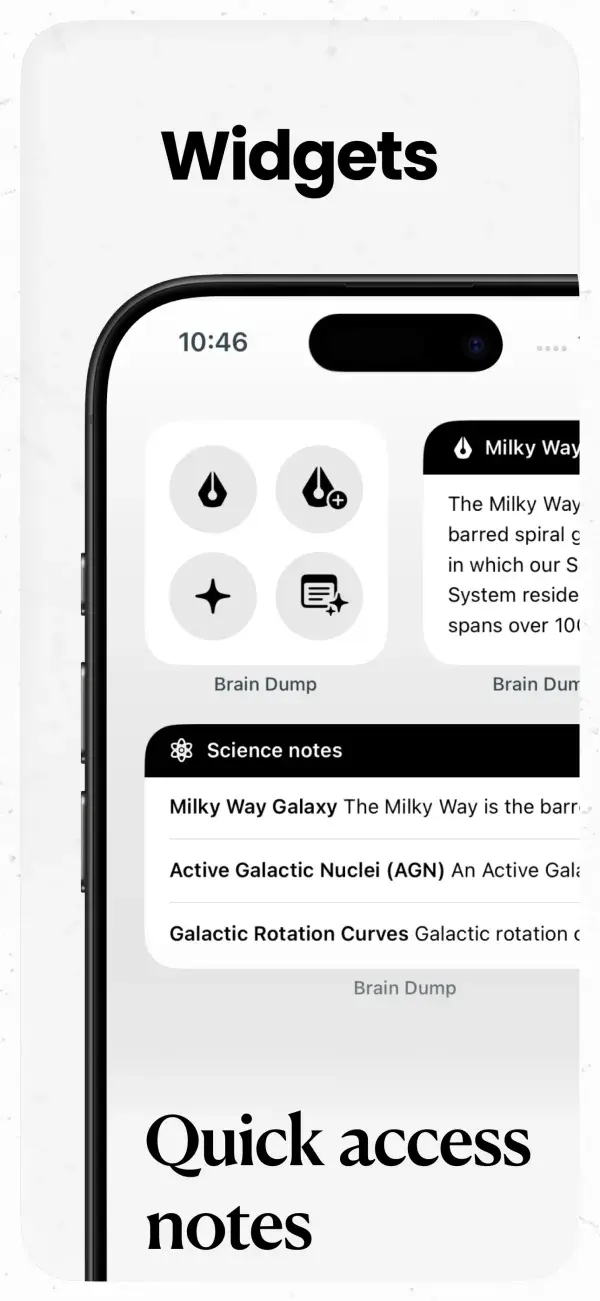
Widgets, lock-screen and home-screen quick actions, Siri, share extensions on iOS and Mac, and a Mac menu bar app, so a thought can be saved from wherever you are.
A generous free tier
Unlimited notes and sync are free. AI features and advanced tools are part of the AI and Pro subscriptions.
How it’s built
Rich-text editor
A web-based rich-text editor embedded in the native app. Saves are flushed synchronously before each asynchronous round-trip to the editor, so text is never lost.
Offline-first sync on Supabase
A custom sync engine, designed in writing before any code: every device keeps a full local copy, works fully offline and resolves concurrent edits deterministically. A randomized sync simulation was used to find and fix edge cases.
Modular code
AI features and sync live in their own Swift packages, shared by the app and its extensions.
Web app
A Next.js web platform with Supabase edge functions, alongside the native apps.
ANo friction, write right away BStay focused with background sounds CWidgets, quick access notes 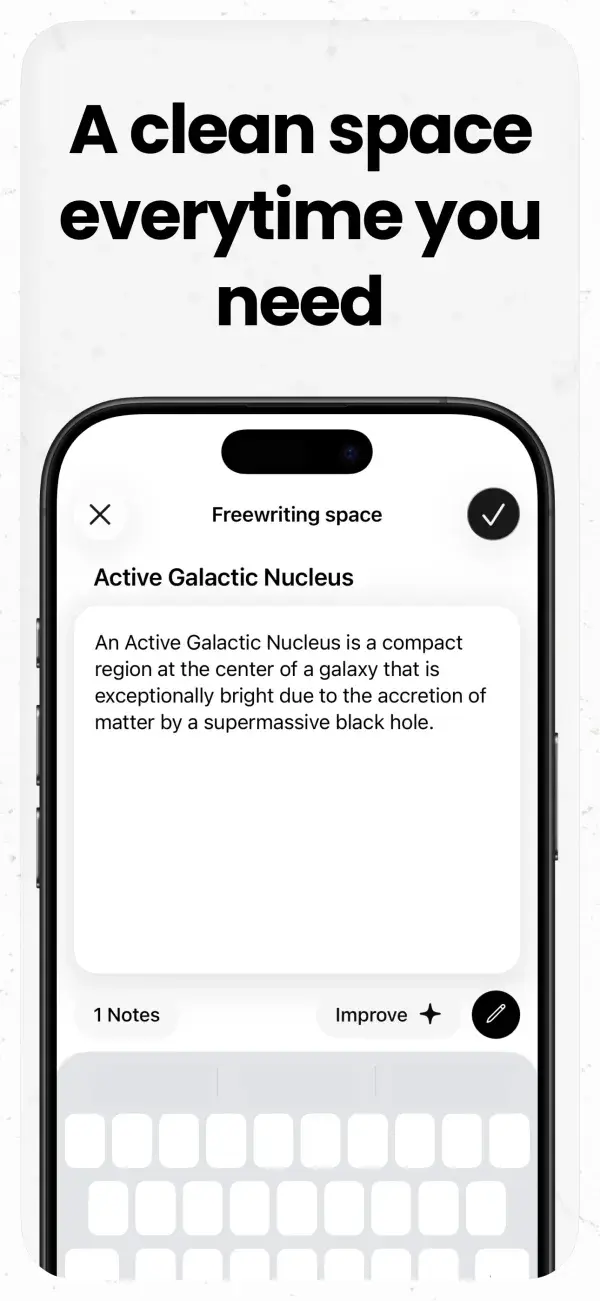
DA clean space every time you need it 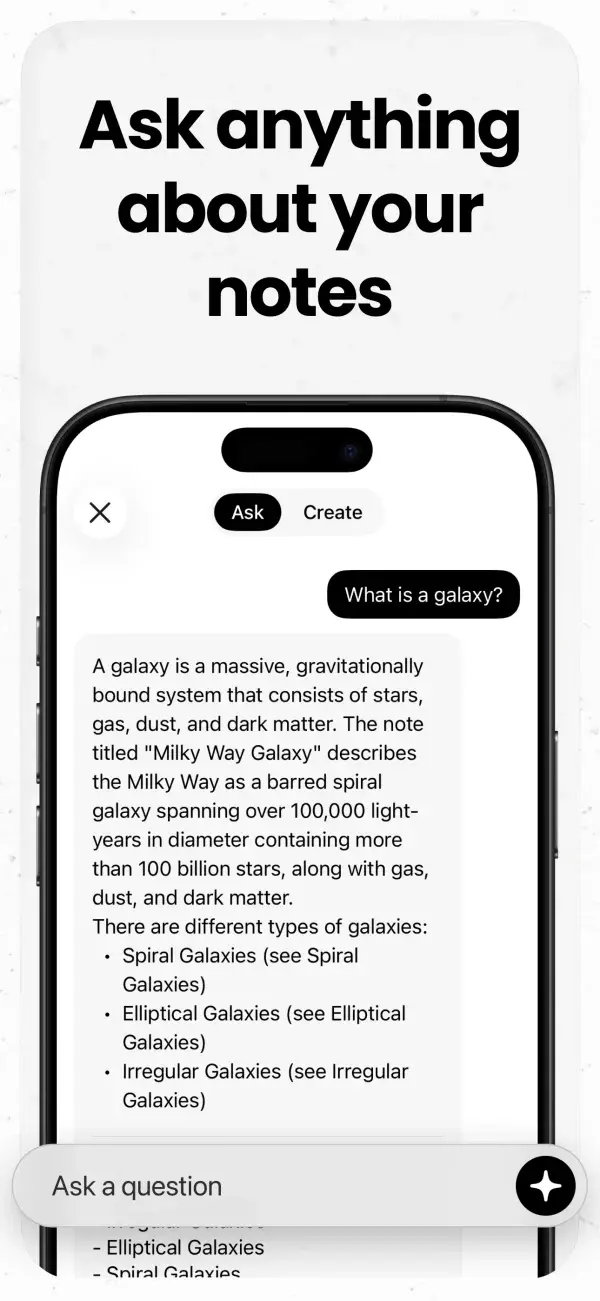
EAsk anything about your notes with AI 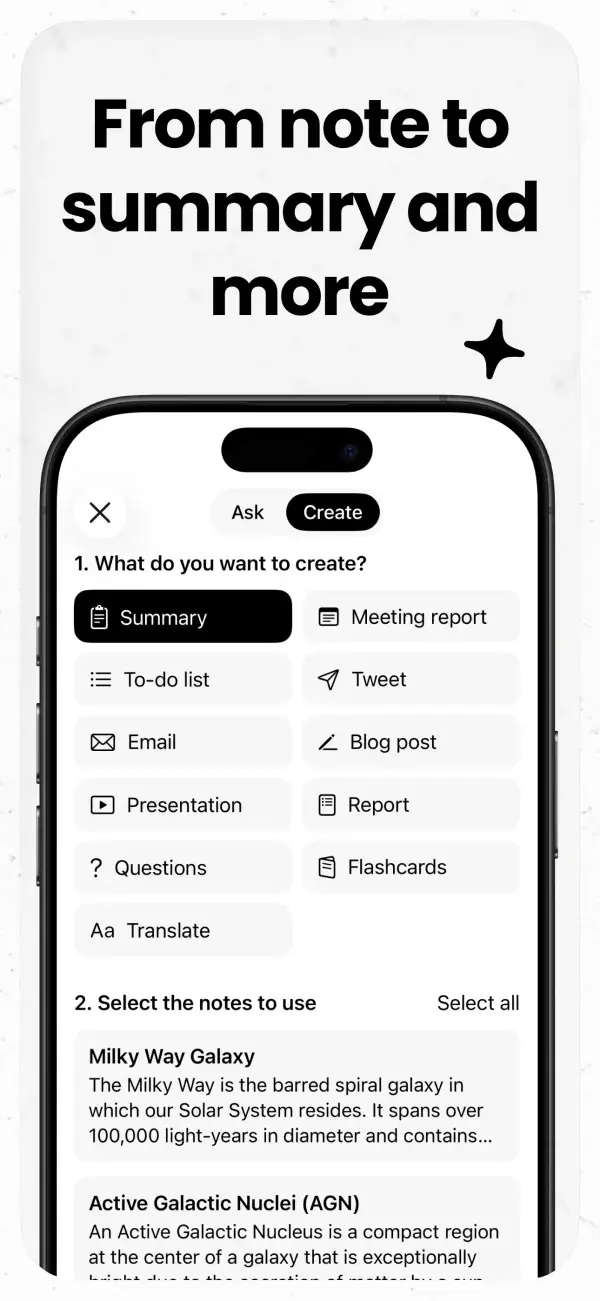
FFrom note to summary and more with AI 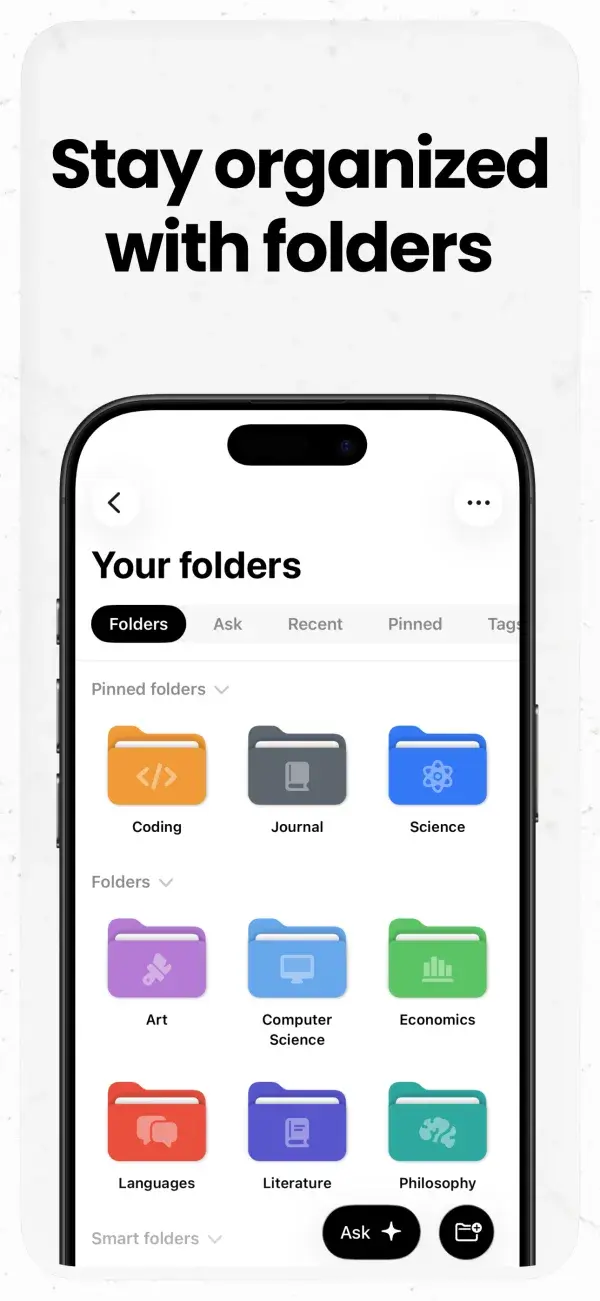
GStay organized with folders 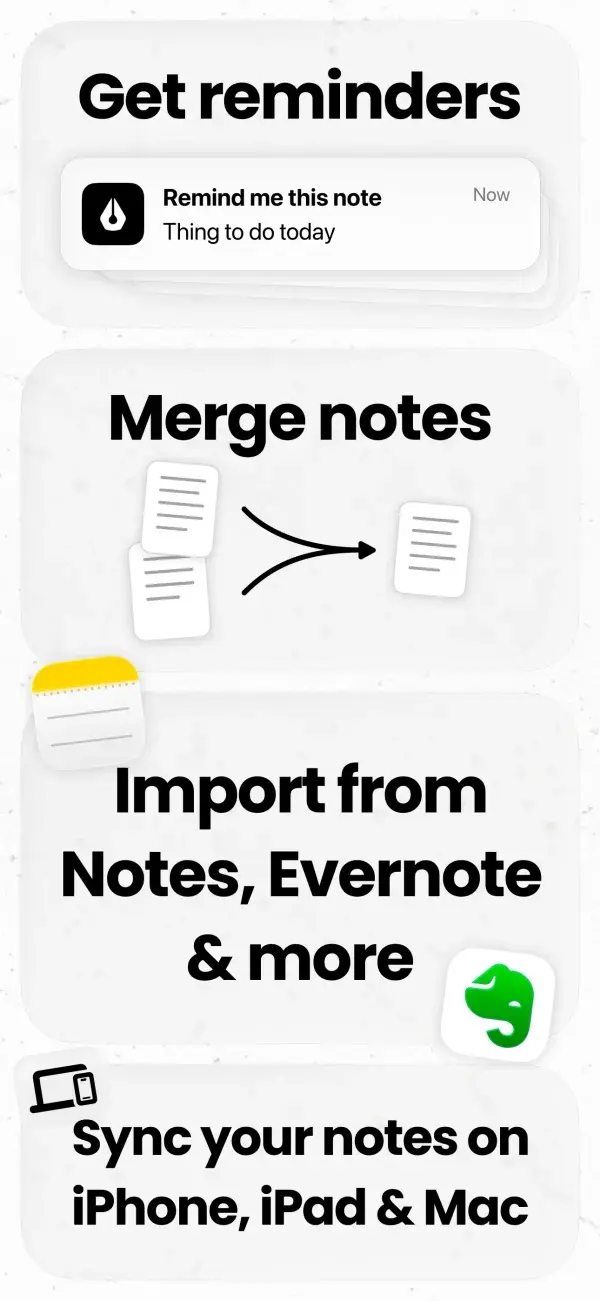
HReminders, merge and import from other apps
Designed in
Figma
Built with
SwiftUI / WidgetKit / Share Extension / Siri Intents / CoreData / CloudKit / Keychain / UserNotifications / Firebase
Read more
